


Email account creation in cPanel
How to create an email account in cPanel:
Click below for the YouTube video illustration:
Email account creation in cPanel
1.) Log into cPanel.
Use the credentials that were sent to you via email, with the subject new account information.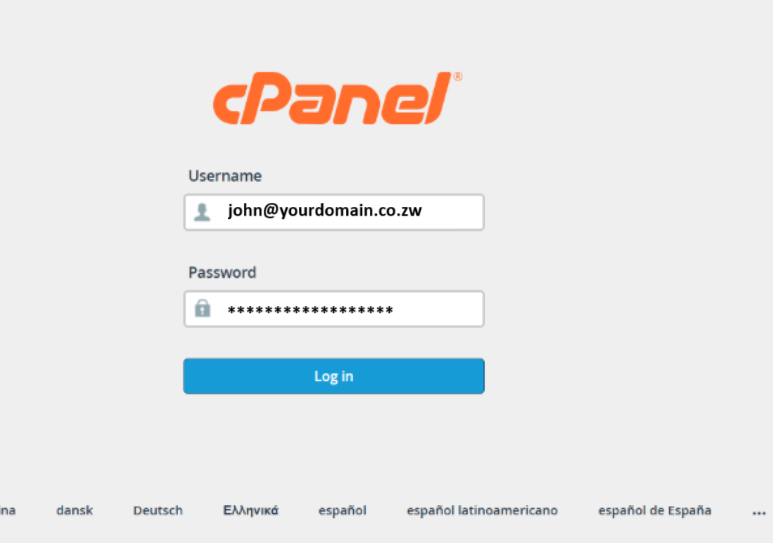
2.) In the Email section, click Email Accounts.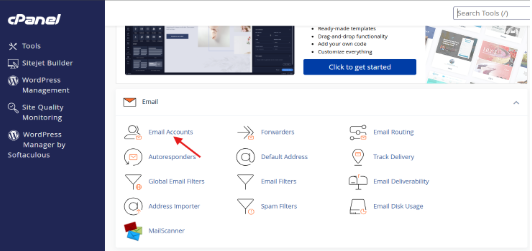
3.) In the Email Accounts section click on +Create,

4.) In the Username field, type the desired email handle you wish to use,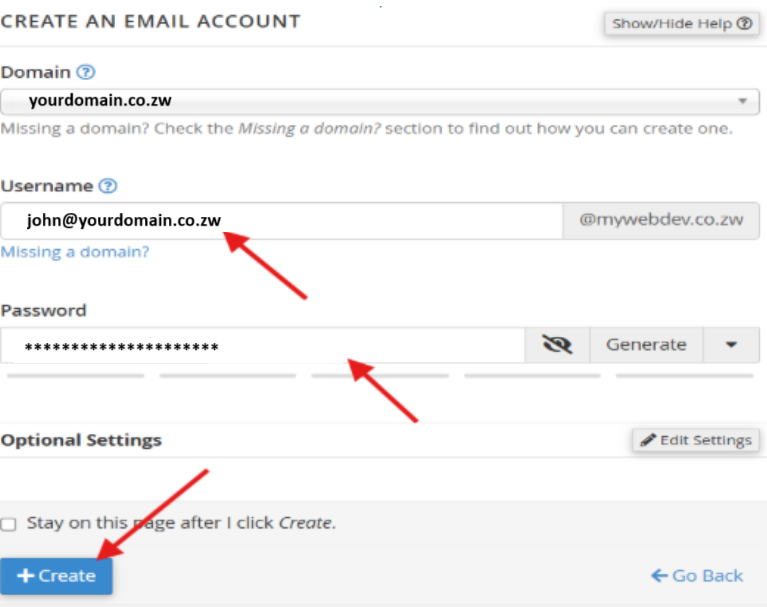
5.) You can choose to set a password then, or send a login link to an alternate email address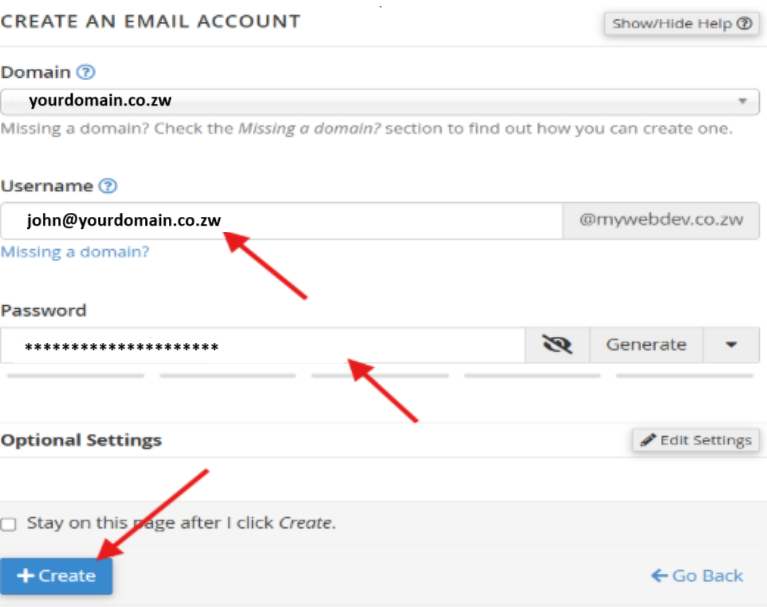
6.) Click Create Account.
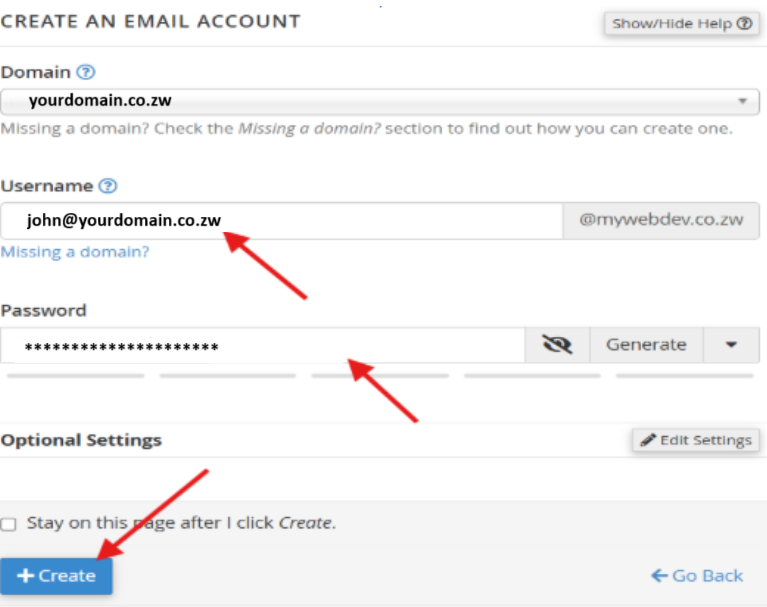
Click create done.