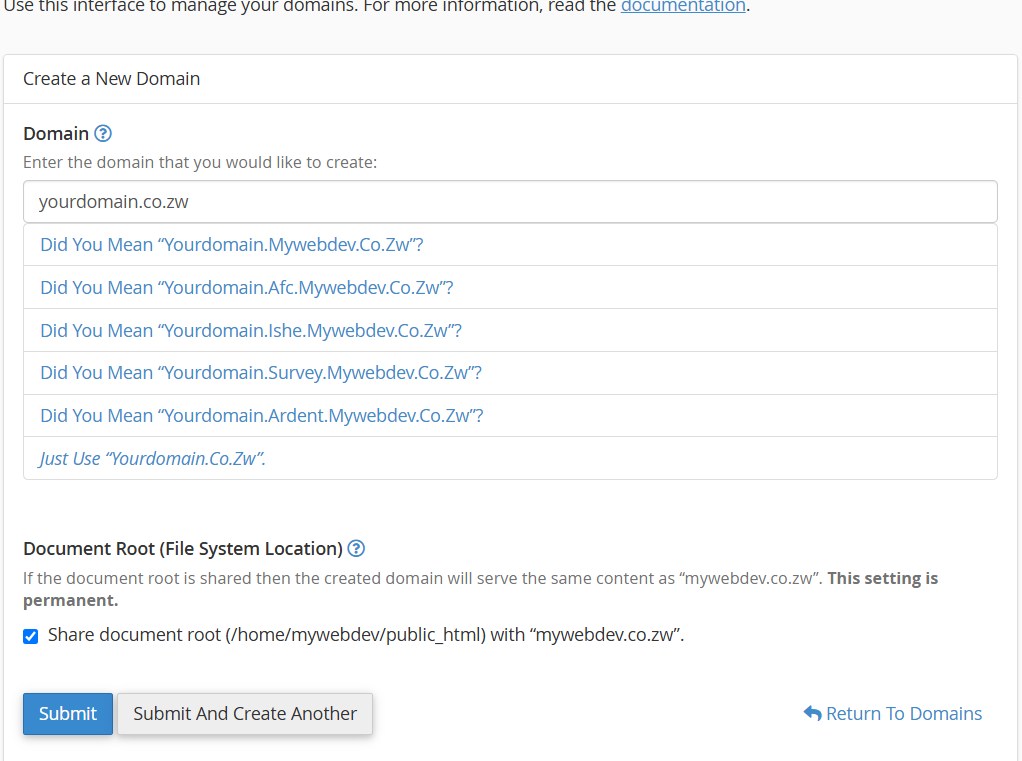


How do I create a subdomain?
How do I create a subdomain?
- Login to cPanel.
- Locate and click on the "Domains" icon under the "Domains" category.
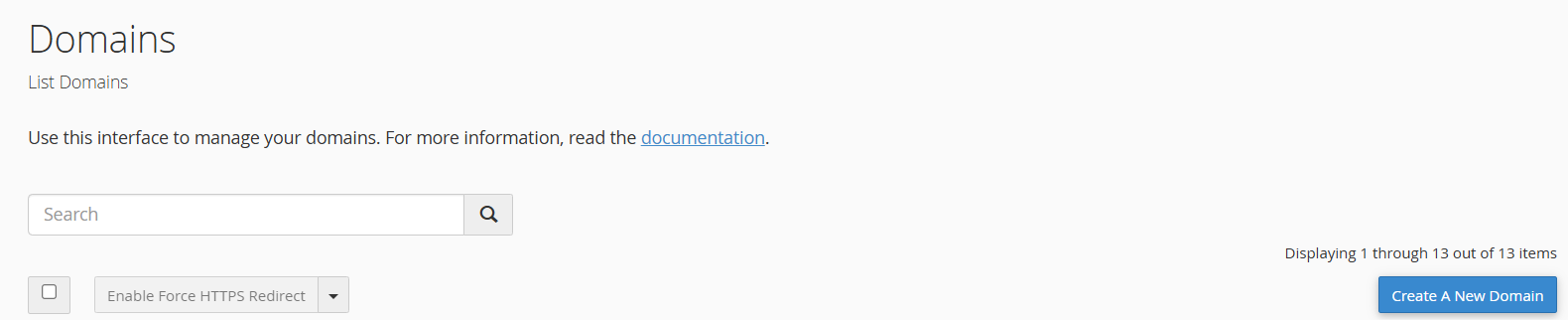
- Click on Create a new Domain, then enter the name of the subdomain, and then provide a Document Root or leave the option as default (there is a description on the implications of this within that display section). The Document Root will be a folder that resides within your main domain's root directory, and will be the folder that loads when the subdomain is accessed. Coincidentally, the website you develop at subdomain.yourdomain.com can also be accessed via yourdomain.com/subdomain.
- Click the "Create" button and the subdomain will be created.