


How do I access my webmail?
How to access your webmail?
Step 1: Open your browser (Google Chrome or Microsoft edge or Safari)
Step 2: Type the webmail link (webmail.yourdomain.co.zw) i.e use your personalised domain
- Replace yourdomain.co.zw with your actual domain name.
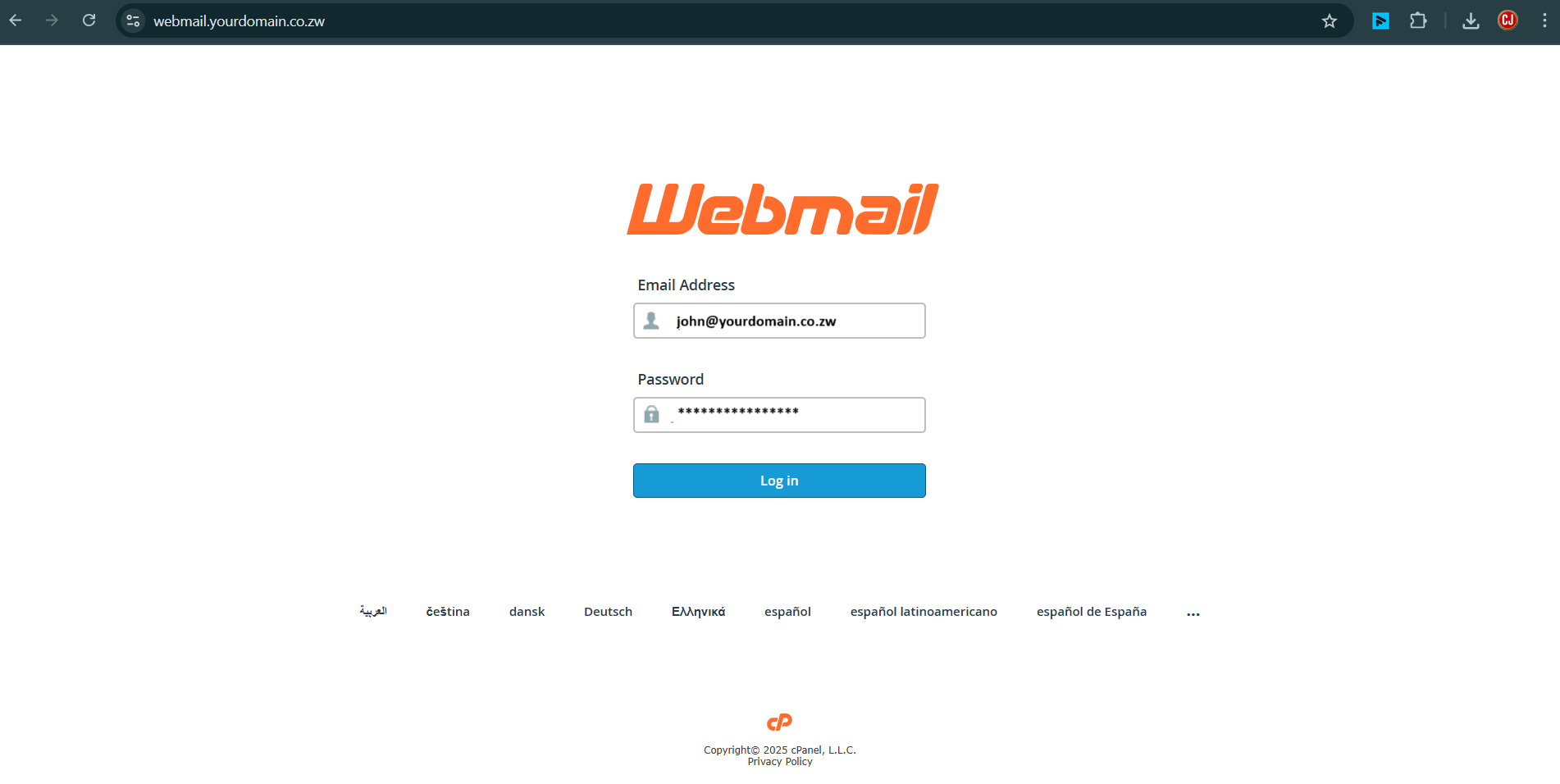
Step 3 - Enter your details. Enter your email address. Enter the password that belongs with your email address.
Click Log in once you're done:
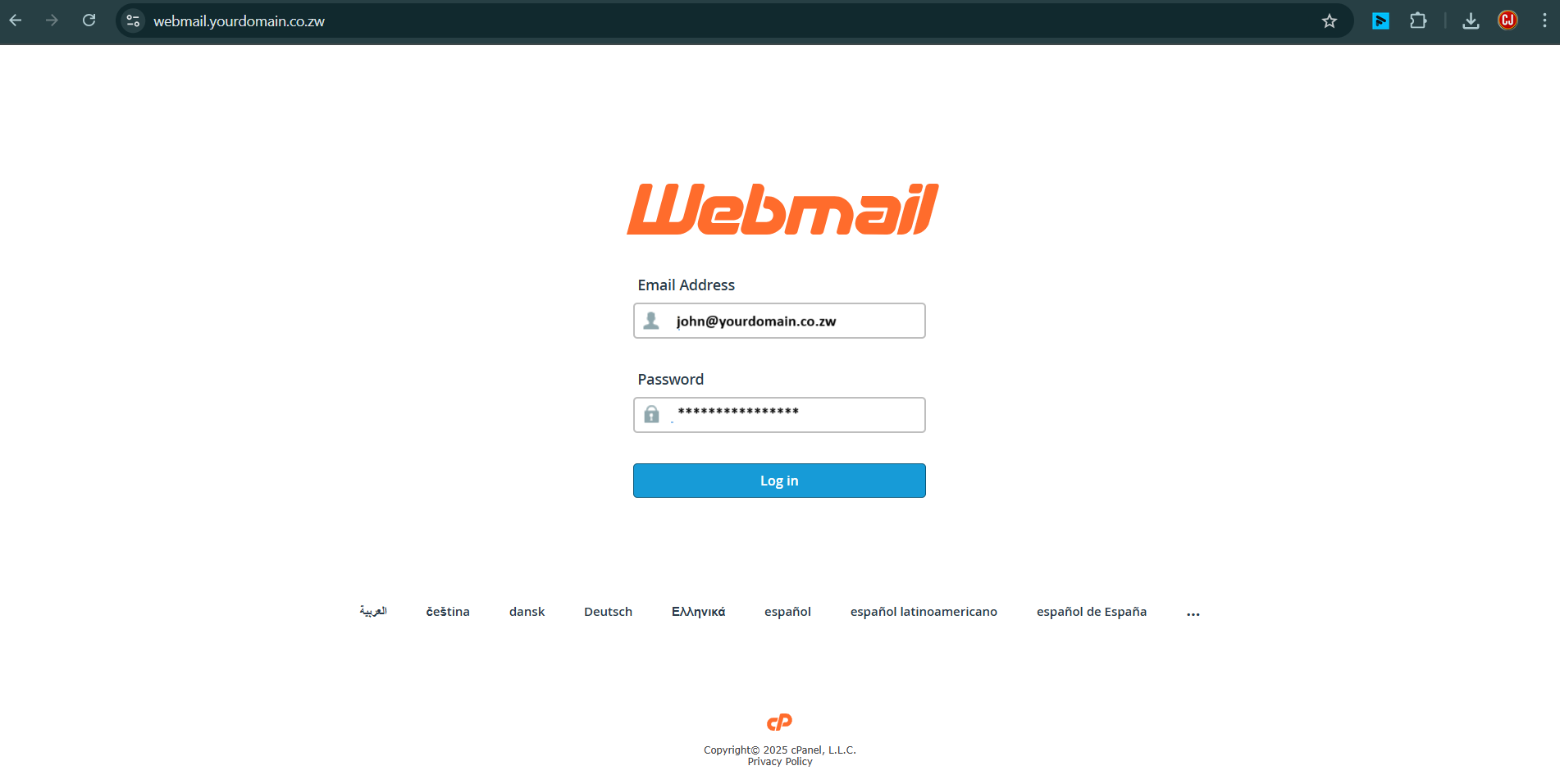
Step 4 - Done! You are now logged in